
How does Exiqze structure project work and team coordination?
Exiqze combines Kanban-style planning, task assignment, deadlines, collaboration, and freelancer work orders in one module. Teams can move work forward with clear ownership, status tracking, and operational visibility across ongoing projects.
Key Capabilities
Use Exiqze to assign work, track deadlines, review team progress, and manage project execution from one shared board.


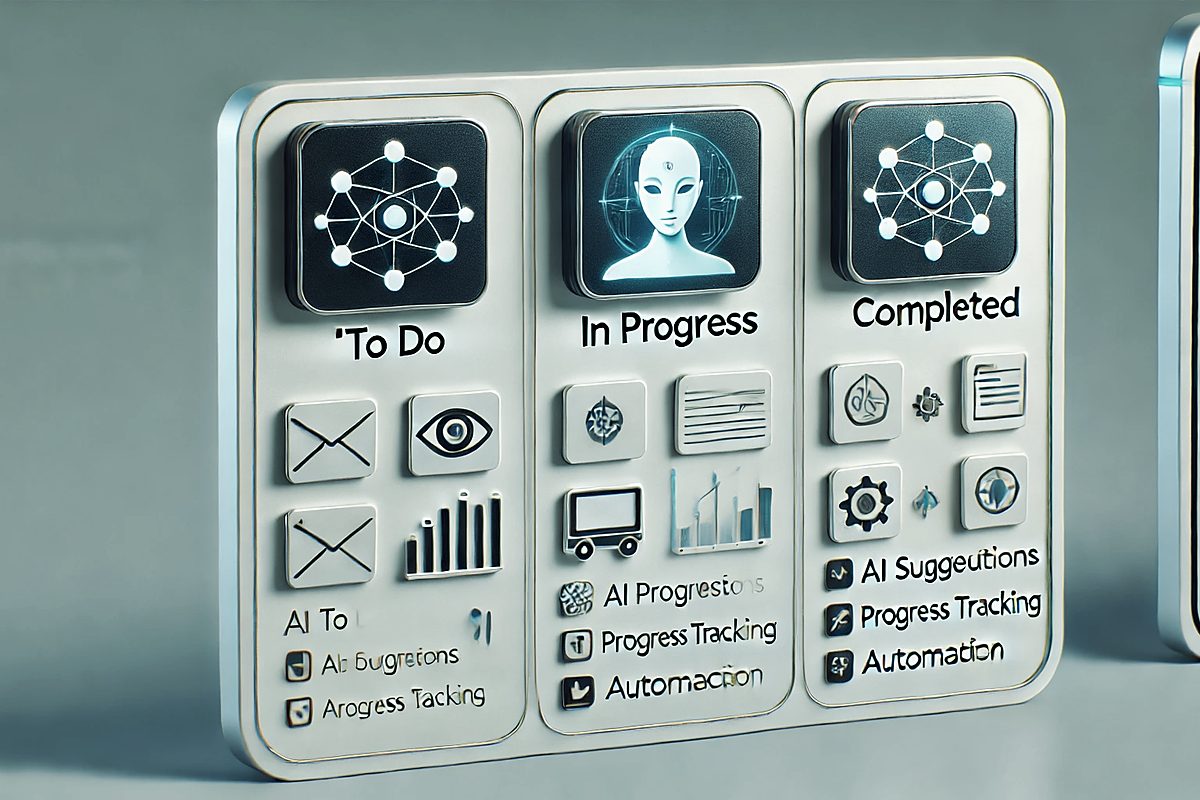
Project tracking that matches real work
Exiqze helps teams organize active work, control deadlines, and coordinate delivery across internal staff and freelancers. Tasks stay linked to the people responsible for them, making follow-up and reporting much easier.

Flexible BoardsStructure projects by stage, team, client, or workflow without losing visibility.
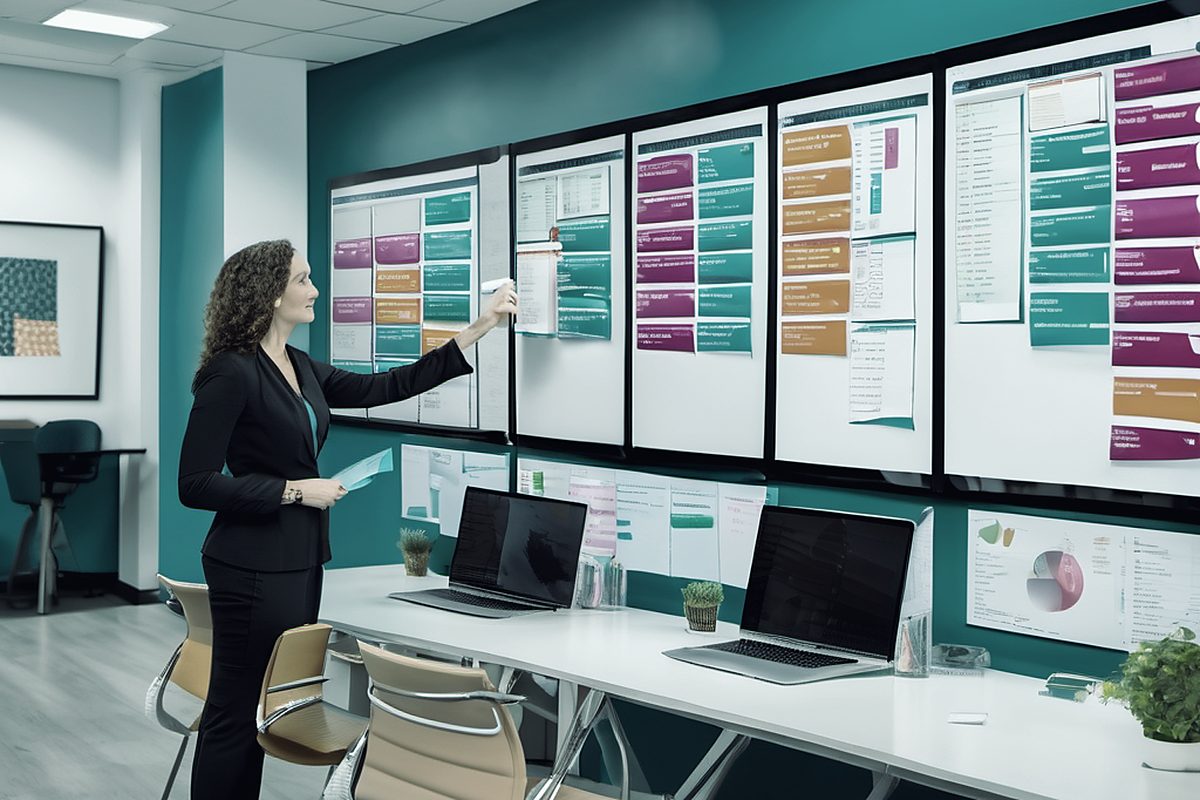
Deadline TrackingKeep due dates visible so teams can see what is on schedule, delayed, or at risk.
Progress Visibility Review task movement, workload, and completion status across the board.

Operational GuidanceUse Exiqze data to spot bottlenecks, rebalance work, and improve delivery planning.
See work by timeline, calendar, or board
Different views help teams plan ahead, manage daily execution, and spot delays before they affect delivery.

Plan project delivery with a timeline view
Use timeline planning to review upcoming milestones, overlapping tasks, and dependencies that could affect delivery dates.
View PlansReview daily workload in calendar view
Calendar mode helps teams monitor upcoming deadlines, scheduled tasks, and daily workload without switching to an external planning tool.
View Plans
Built for execution, not just planning
Exiqze supports practical workflow management across departments, recurring operations, and client delivery work.

Shared Workflow Across Modules
Projects can stay connected to the rest of Exiqze, including clients, accounting records, internal communication, and operational reporting.

Reduce Repetitive Coordination
Use assignments, statuses, and structured workflow rules to cut manual follow-up and keep projects moving consistently.

Role-Based Access as Teams Grow
Keep project visibility controlled as more teams, managers, and external contributors use the same operational environment.
Why teams use the board
"Exiqze gives our team one place to manage tasks, deadlines, and ownership. We can see what is blocked, what is moving, and what needs follow-up without maintaining separate trackers."
Related Exiqze features
Connected modulesProject management works best when it is connected to the rest of the platform, including CRM, accounting, chat, and reporting.
CRM and Client Context
Keep project work tied to the right clients, contacts, and communication history.
Project Board
Manage tasks, deadlines, workload, and board views from the same operational workspace.

Operational Reporting
Use dashboards and reports to review progress, overdue work, and team output.
Manage Projects from One Board
Create tasks, update statuses, assign owners, and keep the full project pipeline visible.
Keep Deadlines Visible
Review due dates, priorities, and pending work before delays spread across the team.
Support Internal Teams and Freelancers
Use the same board to coordinate staff tasks and external work orders with clearer accountability.
Start a board, invite the team, and move work forward.